Data download.
Pull any reading off the platform as a clean file or a live feed, at the resolution you choose.
1 · What it is for
Data download is how measured readings leave the platform for your own tools. Export any sensor’s data as a file, or pull it live through the API, at the resolution you need. Because Augos does not delete data automatically, the full history is always there to take.
2 · On the page
2.1 · Choose points, period and resolution
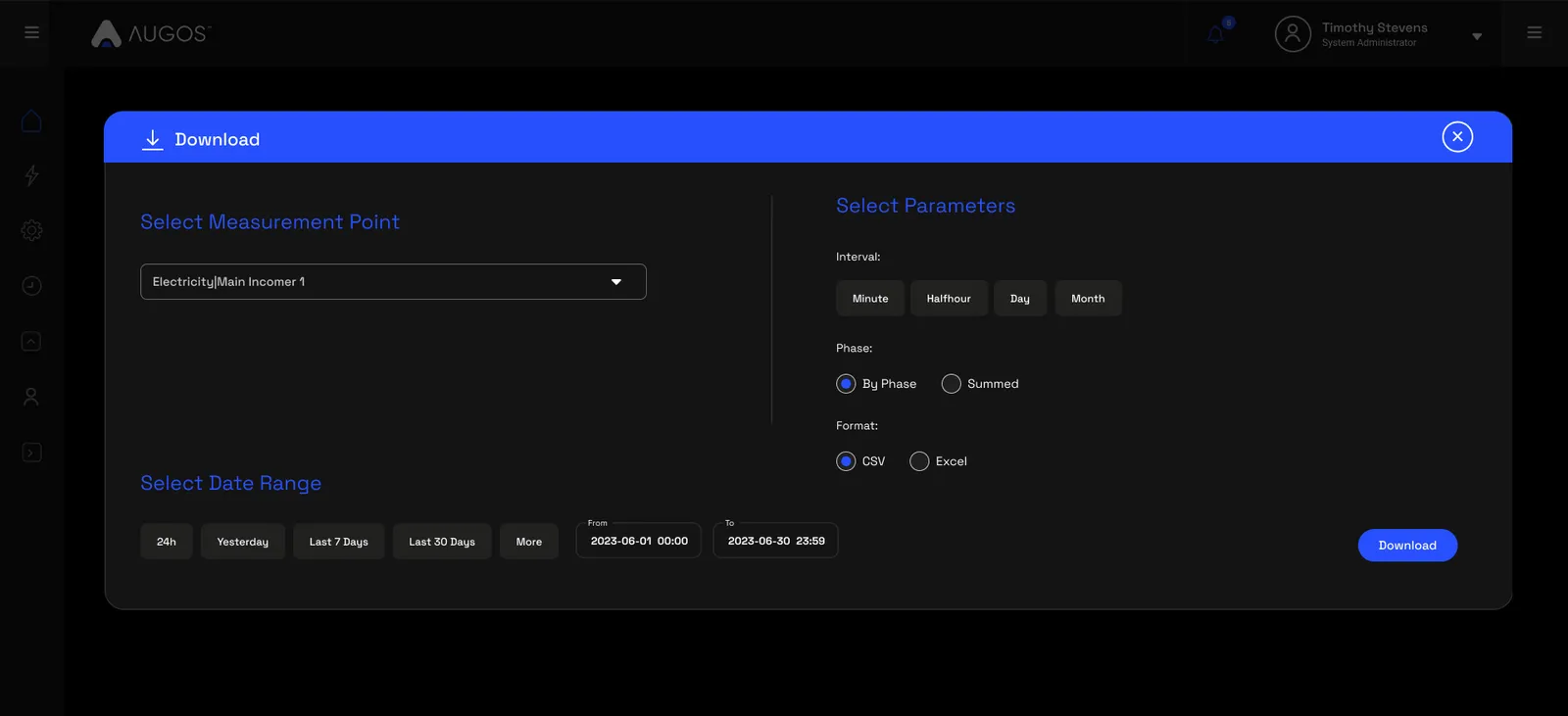
Pick the measurement points, the date range, and the resolution, from one-minute detail up to coarser buckets. The same point-level access applies, so an export only ever contains the points you are cleared for.
2.2 · Formats
Take the data as CSV or Excel for your own analysis, or as JSON for a model or an integration. For a live feed rather than a one-off file, use the API.
3 · Use cases
- Hand a period to an auditor. Export a month of a store’s readings as a file for a compliance pack.
- Feed a BI tool. Pull readings into your own dashboards and models.
- Give data to a model. Export the AI-ready JSON for analysis.
- Archive a period. Take a clean copy of a season or a year for your own records.
- Reconcile. Line the measured data up against another system.
4 · Good to know
Nothing is deleted automatically, so history goes back as far as the sensor has been installed. A file is for a one-off; the API is for a live feed; and the AI-ready payload is for a model. Every route obeys the same point-level access.
Common questions
How far back can I go?
As far as the data exists. Augos does not delete readings automatically, so the full history is available unless a customer or a user has asked for it to be deleted.
What resolution can I export?
From one-minute detail up to coarser intervals, depending on what you need.
What formats are there?
CSV or Excel for analysis, JSON for machines, and the API for a live feed.
Does access apply to exports?
Yes. An export or an API call only returns the points the person behind it is cleared for.